
How to Write a Helpful Bug Report
When you encounter a problem in the app, providing a clear bug report is the fastest way for our team to fix the issue. We need clear steps to replicate the problem- which simply means making the bug happen again in our office.
We cannot fix a bug we cannot see, so your detailed description is the most important piece of evidence!
What Does "Replicate the Problem" Mean?
"Replicate the problem" means our technical team needs to follow the exact sequence of actions that caused the error on your device.
Think of it like following a precise recipe: If we follow your steps exactly, we should encounter the same crash or error screen. Once we can see the bug happen, we can immediately find the broken code and fix it permanently.
5 Key Details We Need
Please use the following format when submitting your bug report:
Where You Can Submit Your Bug Report:
To report a bug: Go to the ELSA app > Log in to your account > Progress > Settings > Reach out to us > Type in the report following the above recommendation, and include screenshots and/or video of screen recording in the email.
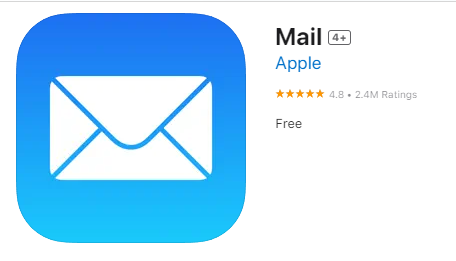
Note: for Apple devices, you need to install the app Mail to send an email. Please go to the App-store, look for this app below, and install it.
Was this article helpful?
Or open the chat in the corner to ask follow-up questions.