
How to activate a subscription voucher code?
If you paid for a subscription and received a voucher code. Please follow the instruction below to activate this voucher code to upgrade your account.
A/ If you do not have an ELSA account:
You can register an ELSA account by installing ELSA Mobile app on your phone. See instruction here.
Then, see the instruction below to activate the code.
B/ If you already have an ELSA account:
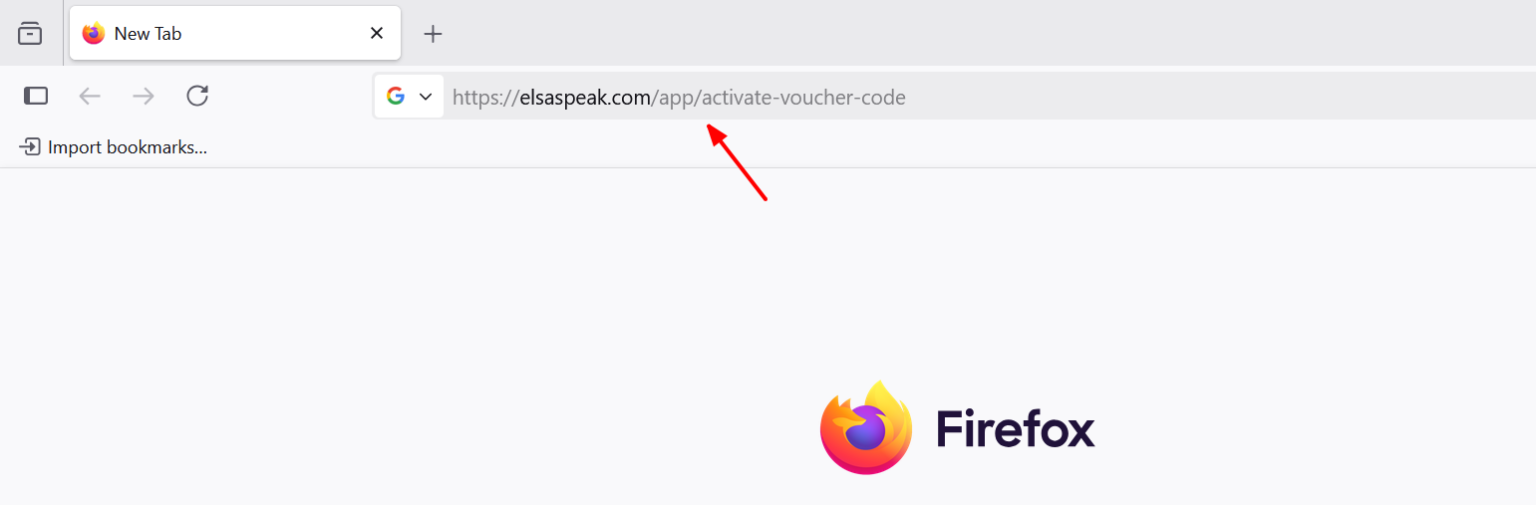
Step 1: Go to https://elsaspeak.com/app/activate-voucher-code
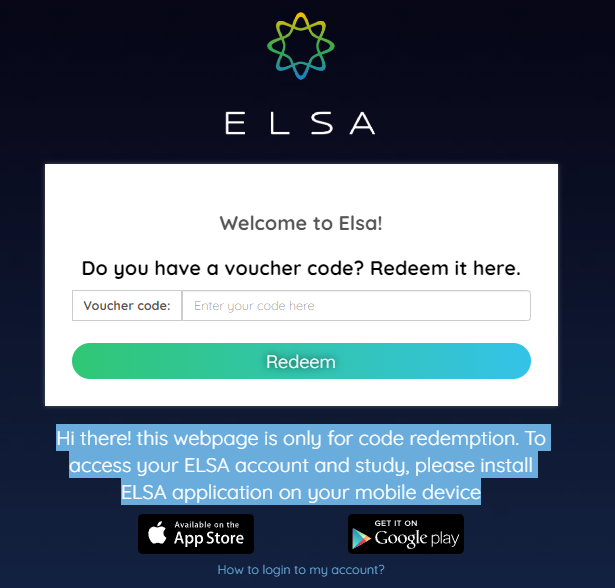
Important: Voucher codes cannot be activated in the app. Please open the provided web link to activate your code.
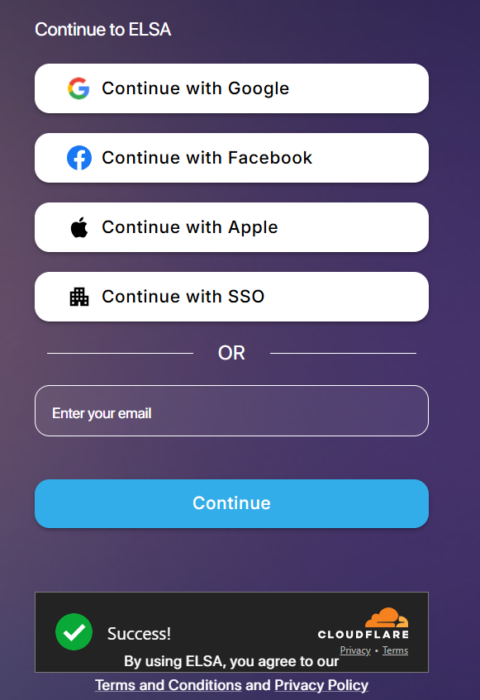
Step 2: Log in to your ELSA account, depending on the login credentials that you used to register an account.
- Email and password
- Apple
If you do not remember the login credential, you can open the ELSA app > Profile > Edit your Profile and check the information of login email.
Step 3: Enter the activation code with ALL CAPITAL LETTERS and click “Redeem”
Step 4: Return to the ELSA app on your phone/tablet. You might need to re-install the app, then log in to the same ELSA account that you previously used to activate the code.
Step 5: Go to Profile in the ELSA app and check if the membership status is updated correctly. The expiration date should be listed under your user profile name.
Common Questions
1/ Error: Code is invalid or expired.
2/ The button of Facebook/Google/Apple login does not respond when being clicked.
3/ Code was activated. Now how can I log in to ELSA?
Was this article helpful?
Or open the chat in the corner to ask follow-up questions.