
如何停用和撤銷教師的存取權限
Updated July 29, 2026·14 views
Automatically translated. View the original in English.
若要停用現有教師,請遵循以下簡單步驟:
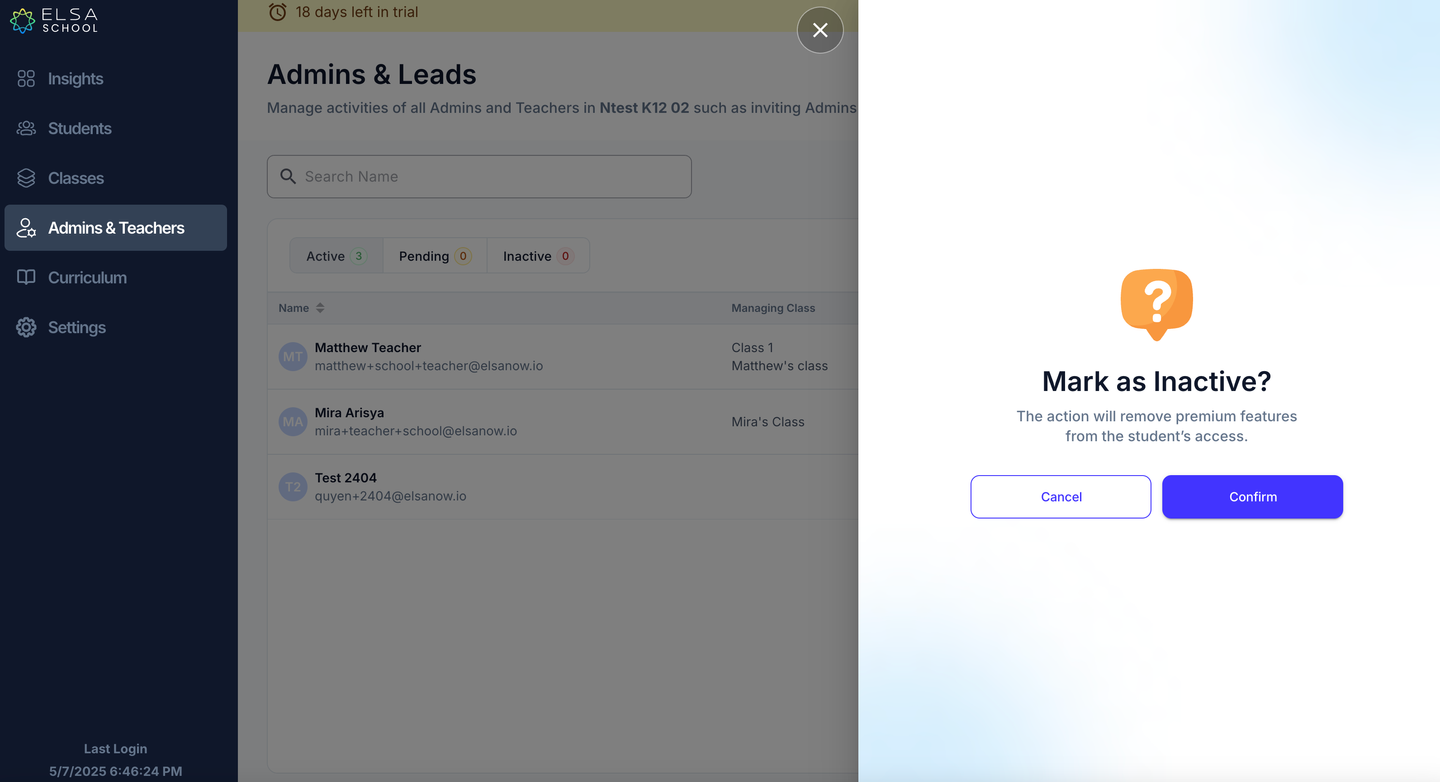
在管理員及教師標籤中,您可以停用學校的教師。按一下右側的省略號,然後選擇「設為非使用中」。
請注意,撤銷其教師身份的存取權限後,也會移除他們對學生應用程式高級功能的存取權限。
Was this article helpful?
Or open the chat in the corner to ask follow-up questions.