
教師のアクセスを無効化および取り消す方法
Updated July 29, 2026·14 views
Automatically translated. View the original in English.
既存の教師を無効化するには、以下の簡単な手順に従ってください:
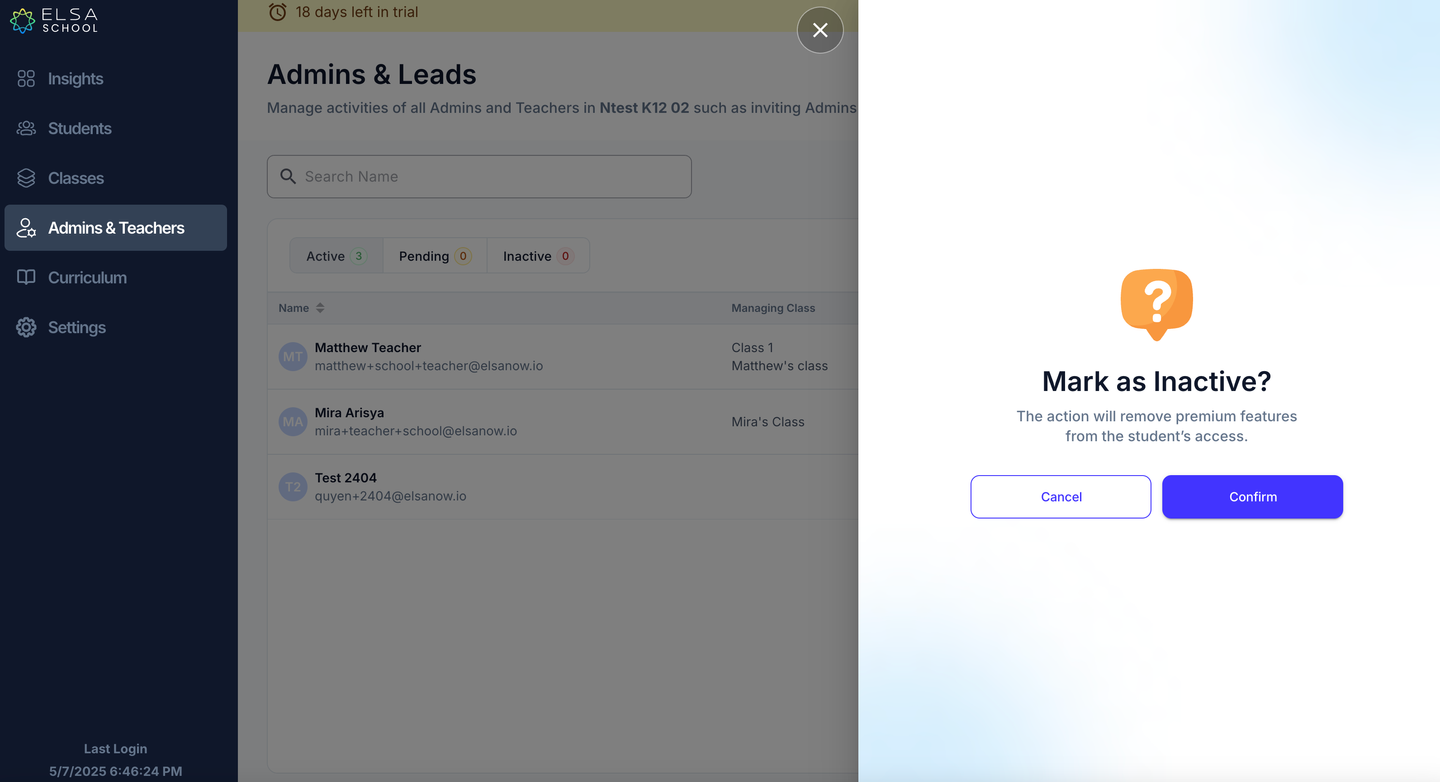
Admin & Teachers タブで、学校の教師を無効化できます。右側の省略記号をクリックして「Make Inactive」を選択してください。
教師としてのアクセスを取り消すことで、学生向けアプリのプレミアム機能へのアクセスも削除されることに注意してください。
Was this article helpful?
Or open the chat in the corner to ask follow-up questions.