
Access ELSA Dashboard
The Dashboard is your comprehensive web portal for tracking and viewing detailed reports on your learning performance. It allows you to filter your data by time and provides deep insights into your overall activity, progress, and performance across all lesson types.
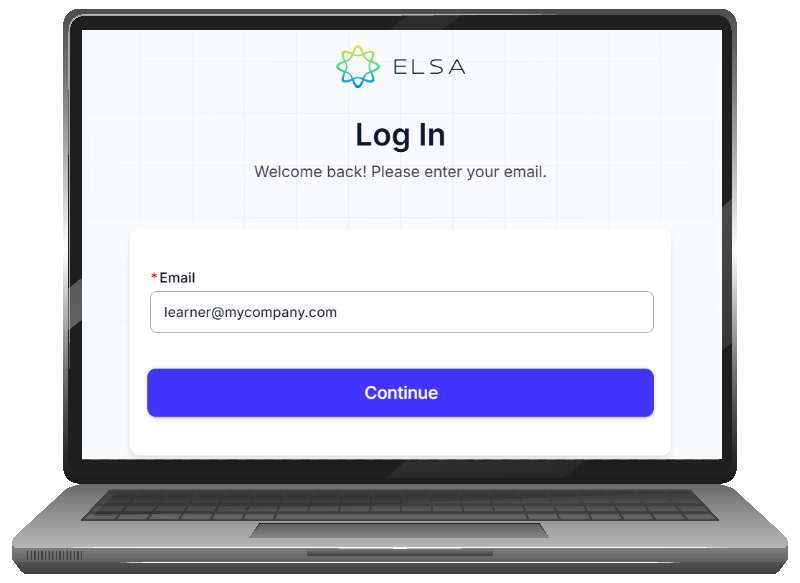
Go to admin.elsaspeak.com. For a better experience, please open this link on a computer/laptop screen.
Enter your learner email address and password.
If your account is linked with SSO (your company account), you will be directed to a sign-in pop-up to log in with your company SSO account (Google or Microsoft account). If you have trouble accessing your company's SSO account, please contact your administrator (IT or HR department) for assistance.
Was this article helpful?
Or open the chat in the corner to ask follow-up questions.