
How to get started with ELSA?
After signing up, you’ll answer a few questions to help us design a personalized plan for you.
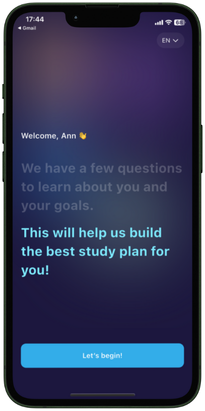
In this first step, you can change the display language to see the instructions in your preferred language in the next steps.
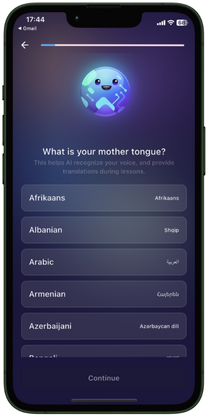
This choice will impact the word’s translation in the lesson. Currently, ELSA supports 12 languages for lesson translations.
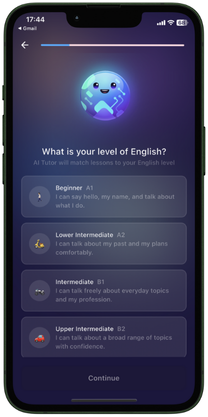
You will choose your English proficiency level based on our recommendations. This choice will allow us to create a learning plan tailored to your current skills.
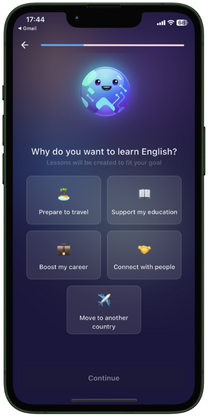
Let us know what you are interested in so we can offer you the most suitable lessons.
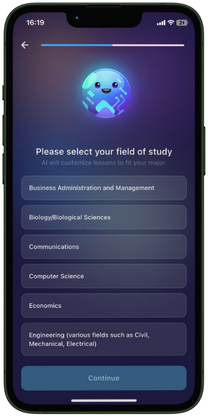
This choice will help us understand your current field to provide suitable lessons.
Following the onboarding steps, your personalized plan will be ready for you in Learn tab
Was this article helpful?
Or open the chat in the corner to ask follow-up questions.