
Managing Licenses
License Management
ELSA School uses a license-based system to manage student access to the platform. Here's how it works:
License Management for Students
Your school receives a specific number of licenses to enroll students.
A license is considered used once a student invitation is sent, whether the student is active or pending.
Freeing Up a License
To free up a license, deactivate a student's account when they are no longer using ELSA School.
Cancel a student invitation if the student has not yet accepted and remains in "pending" status.
Additional Notes
All licenses within the same school share the same expiration date.
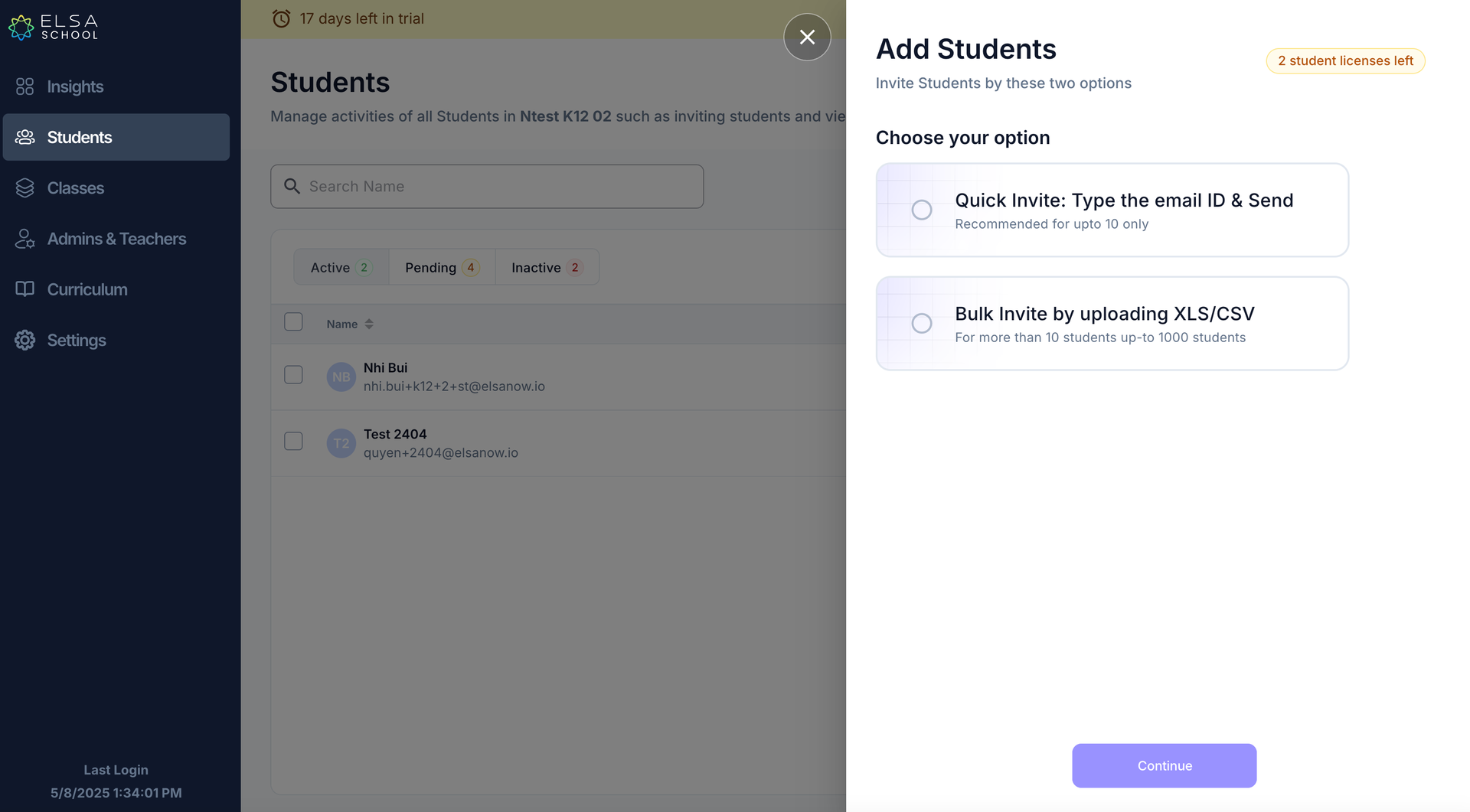
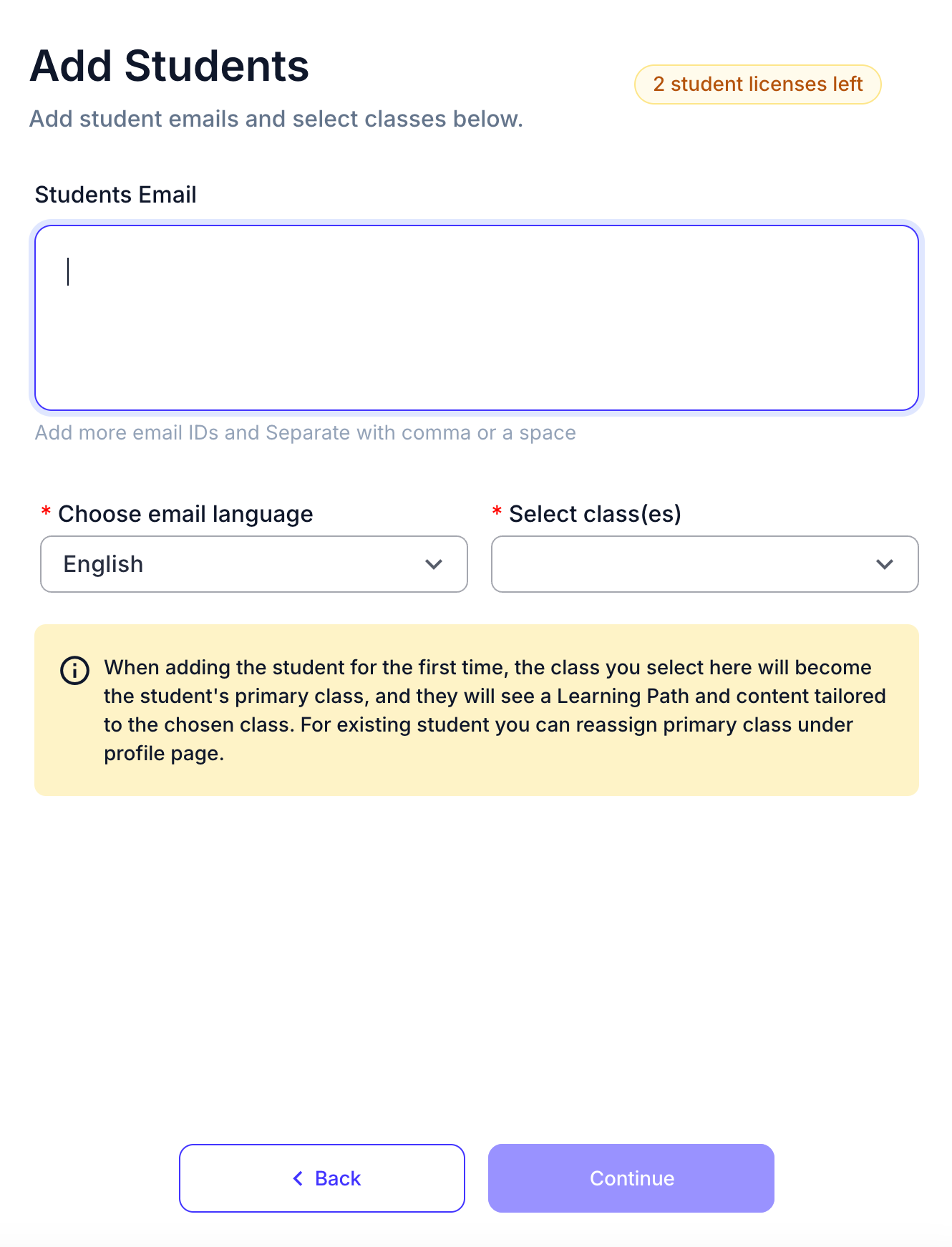
The number of available licenses can be viewed when inviting students, adding teachers, or enrolling teachers as students.
Was this article helpful?
Or open the chat in the corner to ask follow-up questions.